Before I Begin: The views represented here are my own and have never been views of my employer(s). Last Updated: May 2024
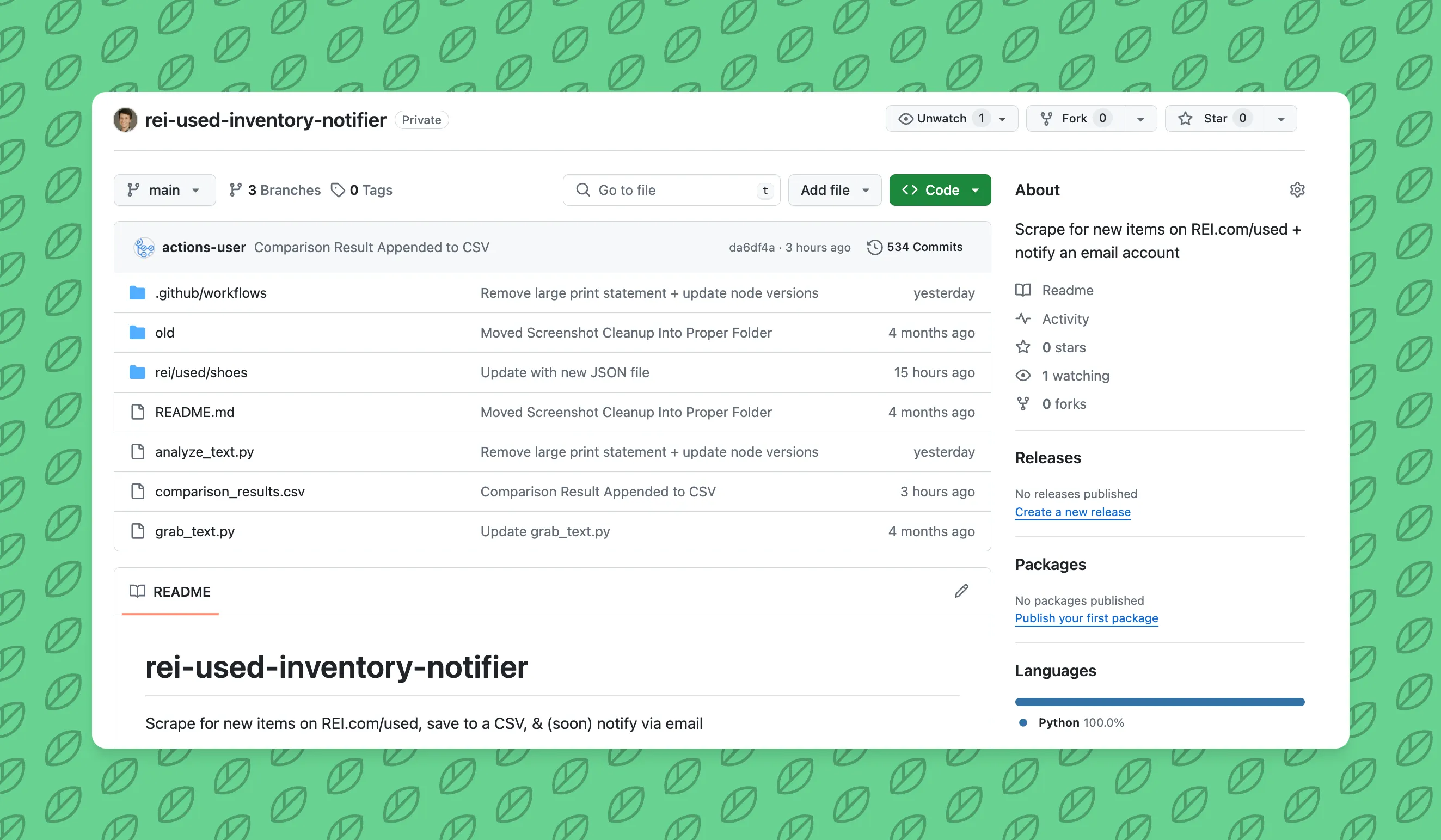
What is a REI Resupply Notifier?
It’s a twice daily monitor for when new, used products are added to a specific REI Resupply webpage. This could be a pair of “used” shoes that someone tried on once and returned because they didn’t fit. You can add in filters on the site to add in:
- Size 11.5
- Excellent condition (prob just tried on)
- Men’s footwear
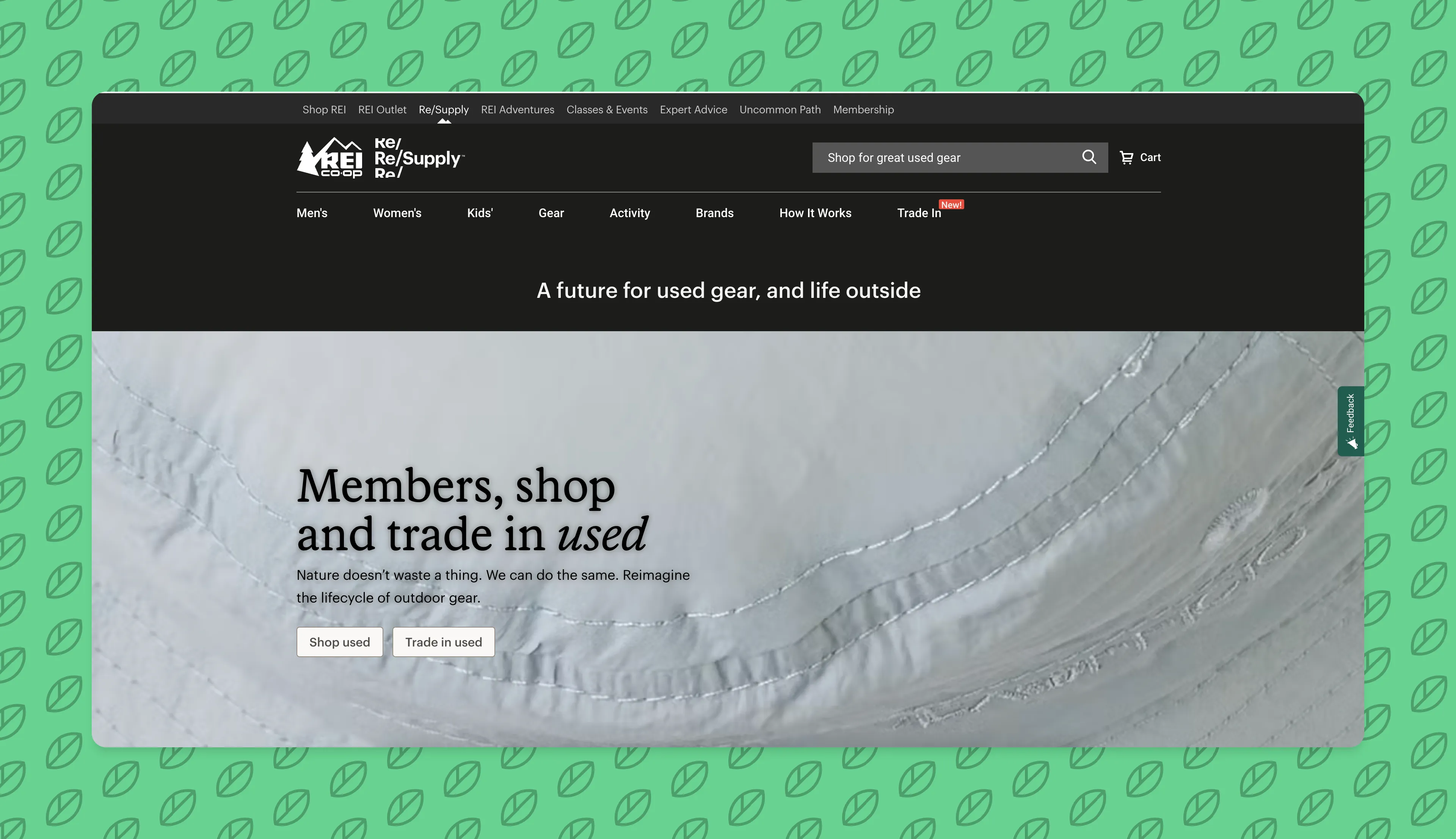
I used to love camping outside overnight or for a few hours in the early morning before my local REI store would open for the Member’s Only Garage Sale. Over time, (potentially spurred by the pandemic) REI has pretty much moved Used Item sales to be in a specific location in their store that constantly changes out and on the REI Resupply website.
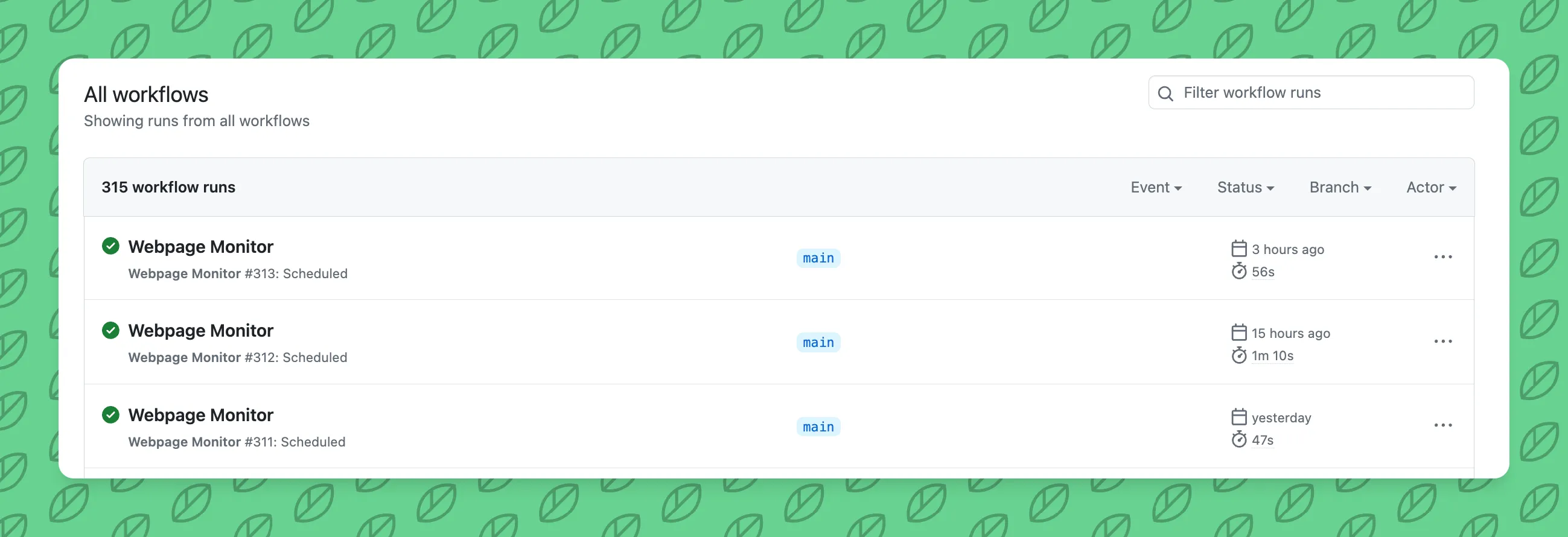
The notifier will grab that info from the specified URL and then compare it to the day prior results. If there is a difference between the JSON results from the day prior and that day, the GitHub Action will fail and will send you an email - therefor telling you that there was a change in the number of products.
What is the tech stack?
The tech stack for this is -
- GitHub Actions (similar to how I automate my Astro deployments, track CO2 emissions, and other automation projects)
- Python
- Selenium (which I’ve also used in AWS Lambda automation projects)
- OpenAI API (
gpt-4-vision-previewongpt-visionbranch) (learn more about my AI implementations in my practical AI guide)
Note - this costs ~0.01 cents per month; the gpt-vision branch will cost more - so be cautious.
How do I use this?
If you are a developer, it’s quite simple.
- Fork this repo into your Github.com account
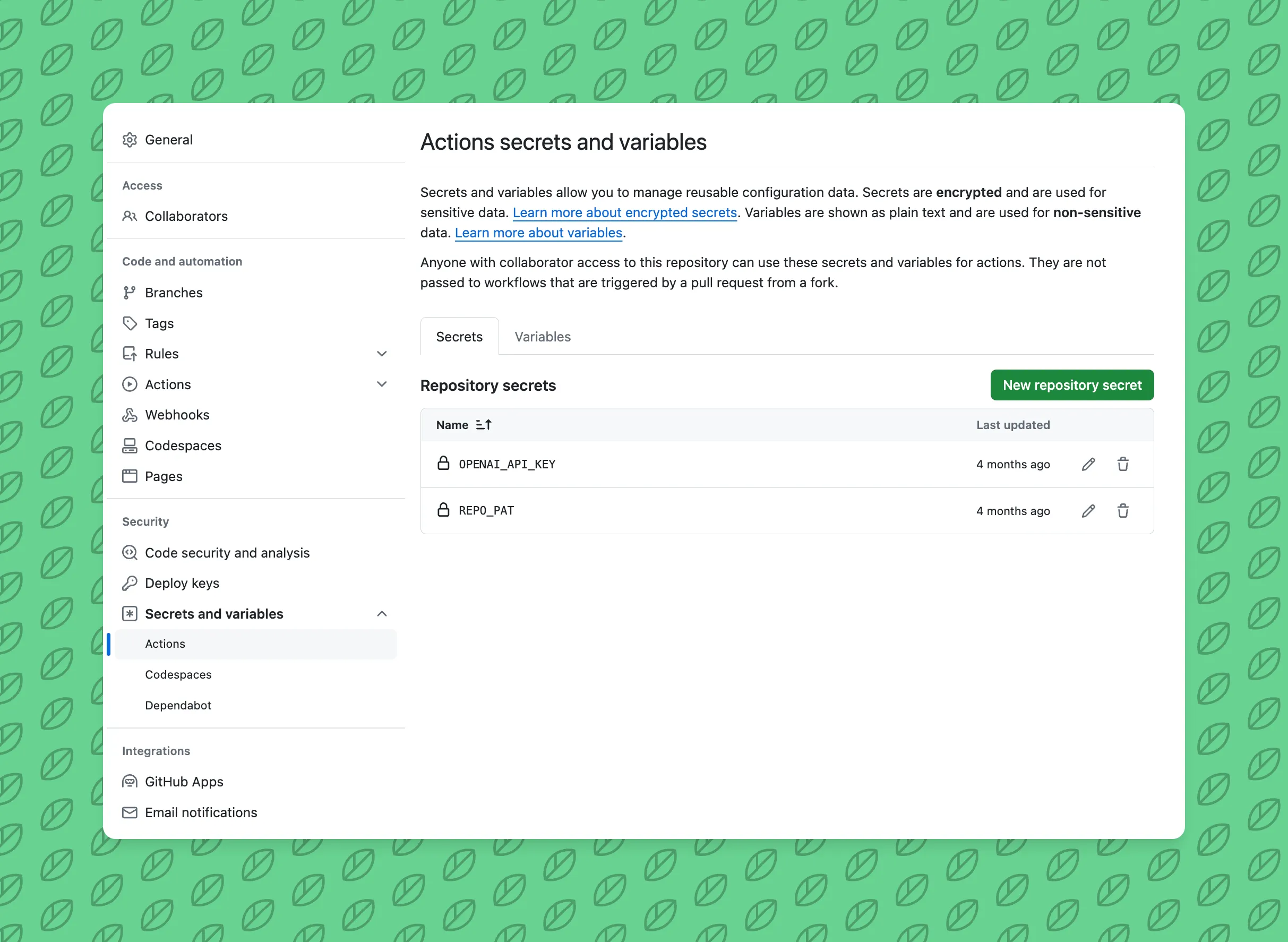
- Navigate to Repository Settings > Secrets and variables > Actions
- Add an OpenAI API Key as the
OPENAI_API_KEYsecret for API requests - Add your GitHub.com Personal Access Token as the
REPO_PATsecret for committing + results to the repository (screenshot above)
How do I setup another monitor for a different category / filters?
Again, if you’re a dev, it should be quite simple.
- Use your web browser to navigate to the REI Resupply website with the filters that you want to monitor
- Copy the full URL and change the line of code here
- Note - support for multiple monitors coming soon
Want to read more about the Environmental Impact?
This post is more of a technical overview of what the REI Resupply inventory notifier is able to do.
However, if you want to read more about the environmental impact of this project, check out Ignite Bright’s Case Study on it. Related: tracking CO2 emissions of government websites.
Related Posts
- How to add Puppeteer to an AWS Lambda functionAWS isn't always straight forward. Here's a brief guide to adding a Lambda Layer with Puppeteer + Chromium to an AWS Lambda function execution environment8/25/2024
- Tracking Estimated Website Carbon Emissions for 15,000+ Gov DomainsRead how I used GitHub Actions, puppeteer, and other tech to hack together a site in ~3 hours to track Estimated Website Carbon Emissions for Federal Websites.4/21/2024
- Backstage software template repositorySolving a need that was discussed on Hacker News to put as many Software Templates for Backstage into a single place for other teams to use5/7/2024