An Opinionated AWS Certified AI Practitioner Quick Study Guide
Or, how I prepared for and passed the AWS Certified AI Practitioner exam in less than a week.
Getting cloud certifications can feel daunting, especially with the newer AI-focused ones. Here’s how I prepared for and passed the AWS Certified AI Practitioner exam with less than 20 hours of study time spread across a week.
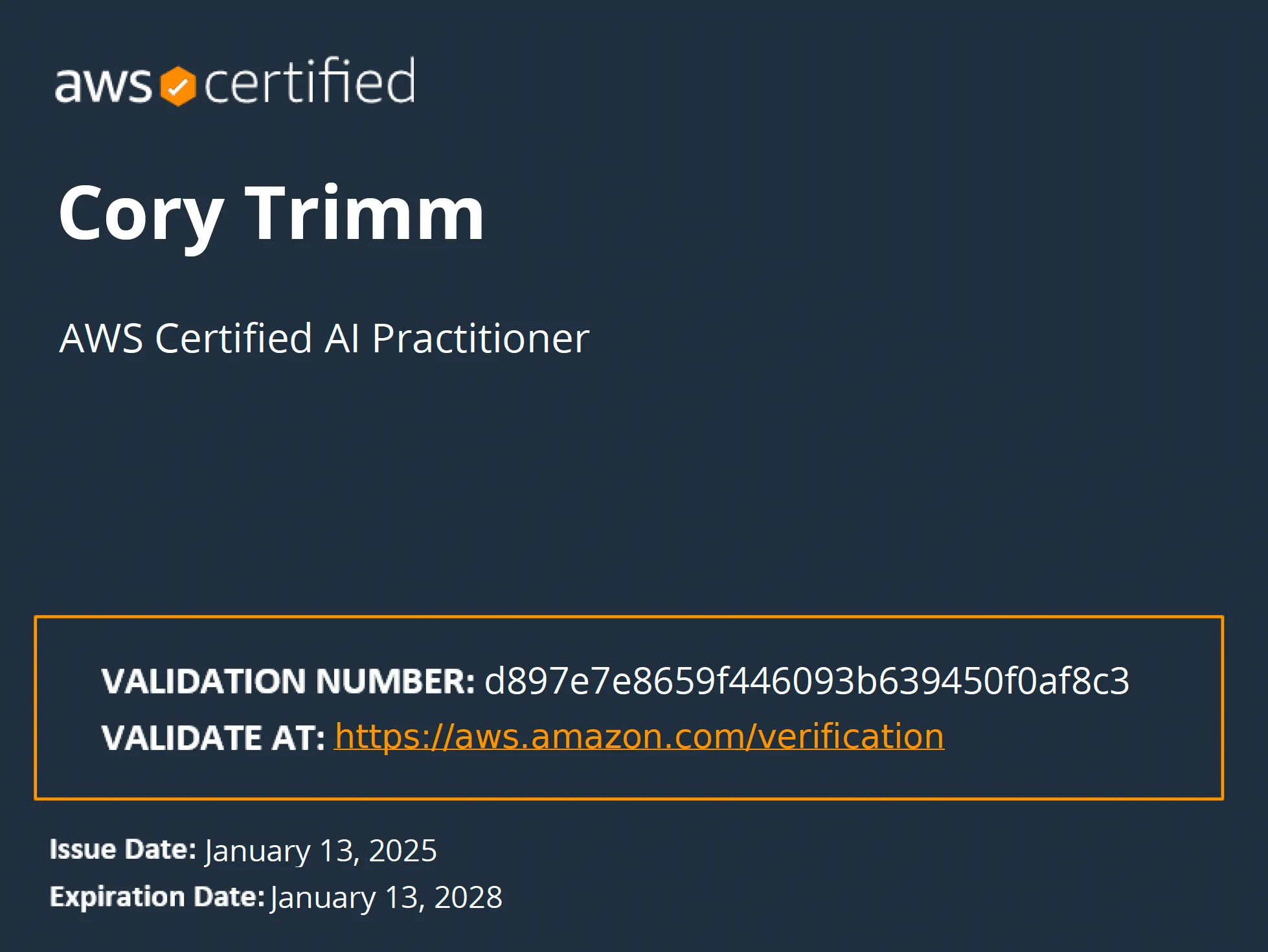
Quick Background
This cert had been in Beta for a little bit (circa late 2024) - I let a couple free retake promos pass me by before finally committing. By that point I’d already been working with AWS and AI across a bunch of projects - CO2 tracking, Lambda automation, fine-tuning image models - so the content wasn’t starting from zero.
This is a Foundational Certification - so, if you have another AWS Associate, Professional or Specialty certification, you will be familiar with the test format, some core AWS Services (S3, EC2, IAM, etc.) that help expedite the study timeline. Hopefully my brief Study Guide for the AWS AI Certified Practitioner Exam below will help you quickly pass too.
The exam structure
The current version of the exam (AIF-C01) consists of 65 questions. And it includes some new question types that differ from traditional AWS certifications. This actually worked in my favor as I found that many of the practice exam questions focused on practical applications rather than just memorizing service features.
Time investment breakdown
- SkillBuilder Courses: ~12 hours
- Practice Tests: ~2 hours
- Review and Gap Analysis: ~4 hours
- Total Study Time: ~18 hours
The study strategy
Unlike traditional certification paths where you might spend weeks or months preparing, I took a focused, minimal approach. This is because I had a free retake if I failed (thanks to a coupon) and I was very familiar with AI/ML/DL/GenAI terminology + implementations. Here’s what worked for me:
Core resources used
Review the AWS Certified AI Practitioner Exam Guide
Complete the following AWS SkillBuilder’s Free Courses in Step 2:
- Fundamentals of Machine Learning and Artificial Intelligence (1 hour)
- Exploring Artificial Intelligence Use Cases and Applications (1 hour)
- Responsible Artificial Intelligence Practices (1 hour)
- Developing Machine Learning Solutions (1 hour)
- Developing Generative Artificial Intelligence Solutions (1 hour)
- Essentials of Prompt Engineering (1 hour)
- Optimizing Foundation Models (1 hour)
- Security, Compliance, and Governance for AI Solutions (1 hour)
- Generative AI for Executives (15 minutes, but really should be 1 hour)
- Amazon Q Business Getting Started (45 minutes)
- Amazon Bedrock Getting Started (1 hour)
Christian Greciano’s AIF-C01 Study Notes - an invaluable resource for understanding service comparisons
Quizlet flashcards (used only for last-minute review)
Practice tests
More on the AWS AI Certified AI Practitioner Certification Here
Why this approach worked
Honestly, the SkillBuilder courses do most of the work. Christian Greciano’s notes are the real shortcut though - instead of reading through pages of AWS documentation to understand when to use Bedrock vs SageMaker, his comparisons give you the answer directly.
Other helpful tidbits to know/consider
This is a Practitioner exam, but it’s a bit more challenging than the Cloud Practitioner certification. If the Certified Cloud Practitioner is a 1/10, consider this a 3/10 in difficulty.
If I think of more items, I’ll add them to the list above.
Question types / topics to expect
- Case study scenarios
- “Pick two options and apply to multiple scenarios” style questions
- ML evaluation metrics (BERT vs. ROUGE-N)
- Security settings for Bedrock
- Responsible AI
- MLOps questions
Study focus areas
- Supervised vs. unsupervised learning differences (how overfitting / underfitting plays a role in model training data)
- Differentiating AWS Services based on Customer Requirements + Technical Knowledge
- ML model evaluation metrics
- Security best practices for AI services
These question types and study areas are heavily outlined in the exam guide materials. If this is your first ever AWS Certification, be sure to take more practice exams to get used to the question style. There is usually a keyword or two to focus in on to help inform your answer(s).
Getting your results
The results of the exam are stated to arrive within a few days. However, I received mine the same day - took the test at a local test center around 9am local time with results arriving by email around 4pm local time. I am unsure how long it takes to receive the results if you take a remotely proctored exam.
Note: Unlike the Cloud Practitioner exam, you won’t get a PASS/FAIL result immediately after completing the test. Results typically arrive within 5 business days. (Note - mine arrived ~6 hours after finishing)
Testing strategies I found helpful
Use the Flagging feature of the exam software was beneficial for marking questions to return to. Be sure to check in on how much time you have remaining. I was able to go thru all of the questions at least 2 times - while reviewing the ones I was unsure on a few times.
Focus on service selection
A big chunk of the exam is “which AWS service fits this scenario?” It’s not enough to know what each service does - you need to know when to pick one over another:
- Bedrock vs SageMaker
- Comprehend vs Textract
- Pre-trained vs custom training
- Most cost-effective option for a given scenario
Comparison tables and decision trees helped me a lot here. Day-before review: Quizlet flashcards on service selection scenarios. Quick and low-effort, worked well.
On handwritten notes
I made handwritten notes and printed pages from AWS documentation even though I had everything digitally available. After practice exams, I’d also write down why I got a question wrong - not just the right answer, but the reasoning gap.
Old habit, but it works. There’s research backing it up (pen beats keyboard for retention), though honestly I didn’t need the citation to know it helps me.
Key tips for quick preparation
- Focus on understanding the core AI services (Bedrock, SageMaker, etc.) rather than memorizing every feature
- Pay special attention to the Foundations of Prompt Engineering course - it’s heavily featured
- Don’t get caught up in third-party resources; AWS’s free materials are sufficient
- Take the official AWS practice test early to identify knowledge gaps
Future steps
If you’re planning to pursue more AWS certifications, this is a solid foundation for the ML Associate or ML Specialty Cert. The knowledge from this exam has been useful in my projects, from building AI-powered applications to understanding enterprise AI implementations.
Resources
- AWS Certification Page for AI Practitioner
- AWS SkillBuilder
- Official Exam Guide
- Christian Greciano’s AIF-C01 Study Notes
- Quizlet AWS AI Practitioner Flashcards
Related Posts
- Automating Astro Deploys to AWS from GitHub ActionsThis website deploys in <60 seconds. Learn why having 'systems' in place can help speed up delivery time & minimize risk with small deploys.12/26/2023
- How to add Puppeteer to an AWS Lambda functionAWS isn't always straight forward. Here's a brief guide to adding a Lambda Layer with Puppeteer + Chromium to an AWS Lambda function execution environment8/25/2024
- Training An AI Model To Create Backyard Sports CharactersA brief post on how I fine tuned my first ever text-to-image model on the characters from Backyard Sports9/15/2024