Using Synthetic Government Benefits Data for Reasoning Evaluation
Posted March 27, 2026
The question isn’t usually “can the model do arithmetic?” It’s “does the model know which rule to apply, and in what order?”
This distinction matters nowhere more than in government benefits policy. A model can nail the income math but fail the eligibility determination because it skipped a categorical eligibility check. Another might apply the gross income test to an elderly household that’s explicitly exempt from it.
These aren’t edge cases that happen once in a thousand applications. They’re in the CFR. They affect real people.
So I built a tool to generate synthetic test cases that expose this kind of reasoning gap, and to measure whether a model actually understands the policy or just got lucky.
The problem
When you’re evaluating an LLM on benefits policy, generic benchmarks don’t cut it. You need four things generic datasets don’t provide.
Realistic household composition, not just random income numbers. A 4-person household in Virginia should look like actual Virginia households: certain household size distributions, income patterns, citizenship mixes.
State-specific rules. SNAP in California (BBCE, no asset test) is completely different from SNAP in Texas (strict asset test). A model trained on one state’s rules will fail on another’s.
Edge cases that actually matter, at the boundaries where models fail most. A household exactly at the gross income threshold. A mixed-status household. A student who’s income-eligible but categorically ineligible.
Grounded reasoning chains. Not just “the answer is ineligible,” but “here’s why, citing 7 CFR 273.9(a)(1), and here’s the deduction math that led to that conclusion.” So you can evaluate whether the model reasoned through the policy or just pattern-matched an answer.
The approach
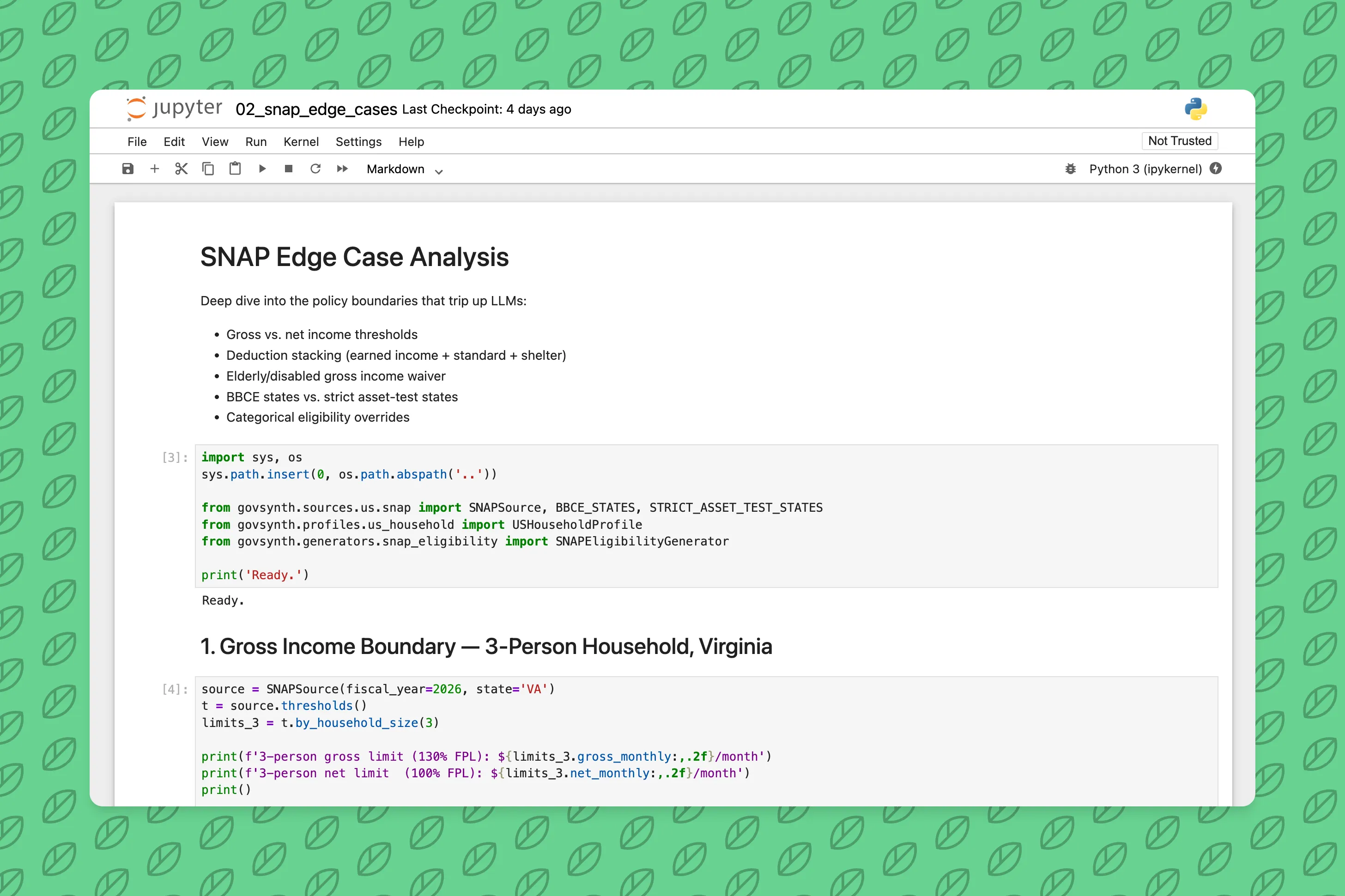
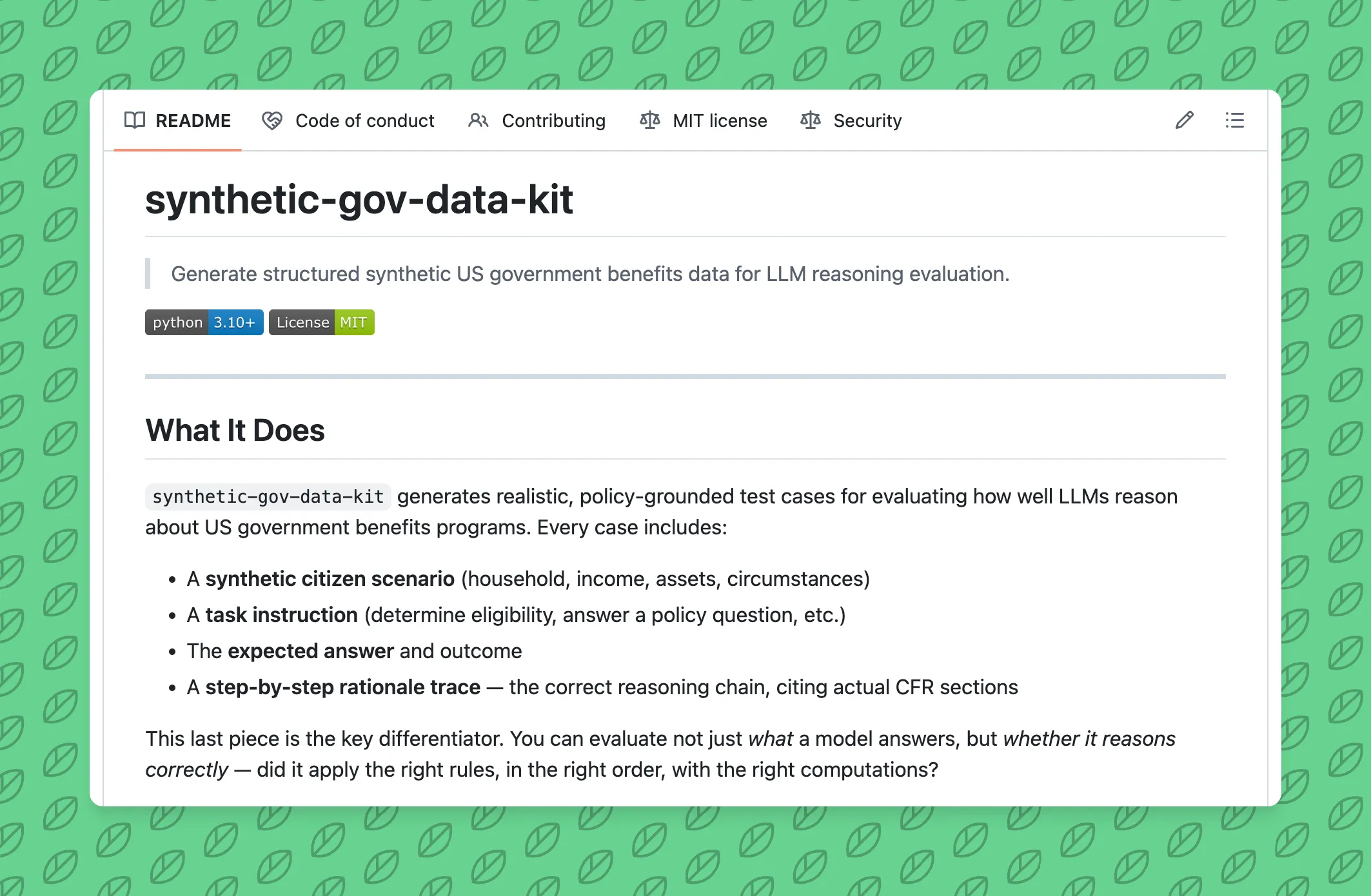
synthetic-gov-data-kit does three things:
1. Bring Census into the synthetic households
Instead of generating random profiles, the tool pulls Census ACS data by state. Household size distributions, income percentiles, labor force participation rates, citizenship breakdowns - all real numbers from actual people.
Then it samples from those distributions to create synthetic profiles that are statistically representative of the state, without touching real applicant data.
# Virginia profiles look like Virginia
pipeline = Pipeline.from_preset("snap.va", profile_strategy="realistic")
cases = pipeline.generate(n=100, seed=42)

# Texas profiles look like Texas - different income distribution, different SNAP rules
pipeline = Pipeline.from_preset("snap.tx", profile_strategy="realistic")
cases = pipeline.generate(n=100, seed=42)
A model trained on Virginia data will still fail on Texas households - not because of the math, but because it doesn’t know Texas SNAP works differently.
2. Generate cases at the boundaries
20% of cases intentionally land at policy boundaries - gross income exactly at the 130% FPL limit, net income exactly at 100%, assets just over the threshold. These are the cases that trip up both human caseworkers and models.
The other 80% are threshold-boundary profiles: income placed at -5%, -1%, 0%, +1%, +5% of the limit. Outcome varies. You get eligible, ineligible, and the edge cases in between.
3. Include the reasoning chain
Every test case includes a full step-by-step rationale trace:
Step 1: Check gross income limit (7 CFR 273.9(a)(1))
  Gross income: $2,311 ≤ $2,888 (130% FPL for 3-person HH) → PASS

Step 2: Apply earned income deduction (7 CFR 273.9(c)(1))
  $2,311 × 20% = $462 deduction → $1,849

Step 3: Apply standard deduction (7 CFR 273.9(c)(2))
  $1,849 - $209 (3-person standard) = $1,640

Step 4: Check net income limit (7 CFR 273.9(a)(2))
  Net income: $1,640 ≤ $2,221 (100% FPL for 3-person HH) → PASS

Step 5: Check asset limit (7 CFR 273.8(b)(1))
  Assets: $1,800 ≤ $2,500 (general limit, non-BBCE state) → PASS

Conclusion: ELIGIBLE. All tests passed.
Policy basis: 7 CFR Part 273, USDA FNS SNAP Income and Resource Limits FY2026
Now you can measure: did the model cite the right CFR sections? Did it apply deductions in the right order? Did it catch the categorical eligibility override that skips all income tests?
Why this matters for model evaluation
Accuracy alone is a poor signal. A model can get the right answer for the wrong reason. It might pass income test correctly but miss that the household is categorically eligible via TANF, so the income test shouldn’t even be run.
Reasoning quality is measurable. With step-by-step traces, you can score whether a model understands the policy logic, not just whether it guesses correctly. This matters especially if you’re fine-tuning a model on benefits policy: you want to know whether it learned the rules or just memorized answers.
Failure modes are informative. When a model fails, the reasoning trace tells you why. Did it skip a rule entirely? Apply the wrong state’s thresholds? Forget that the gross income test is waived for elderly/disabled households? These are different problems requiring different fixes.
Bringing your own policy
The kit isn’t limited to SNAP, WIC, and Medicaid. You can define any ruleset:
from govsynth.sources.base import DataSource
from govsynth.generators.base import Generator

# Define your program's thresholds
class LIHEAPSource(DataSource):
    def fetch_thresholds(self):
        # Your income limits, asset limits, deduction rules
        ...

# Define your generator logic
class LIHEAPGenerator(Generator):
    def generate(self, n, seed=None):
        # How to build eligible/ineligible cases
        ...

# Register and generate
pipeline = Pipeline.from_custom(LIHEAPSource(), LIHEAPGenerator())
cases = pipeline.generate(n=100, seed=42)
Anyone working on Section 8, TANF, state-level programs, or proprietary eligibility rules can wire this up. The framework handles the Census integration, case generation, output formatting.
Next steps
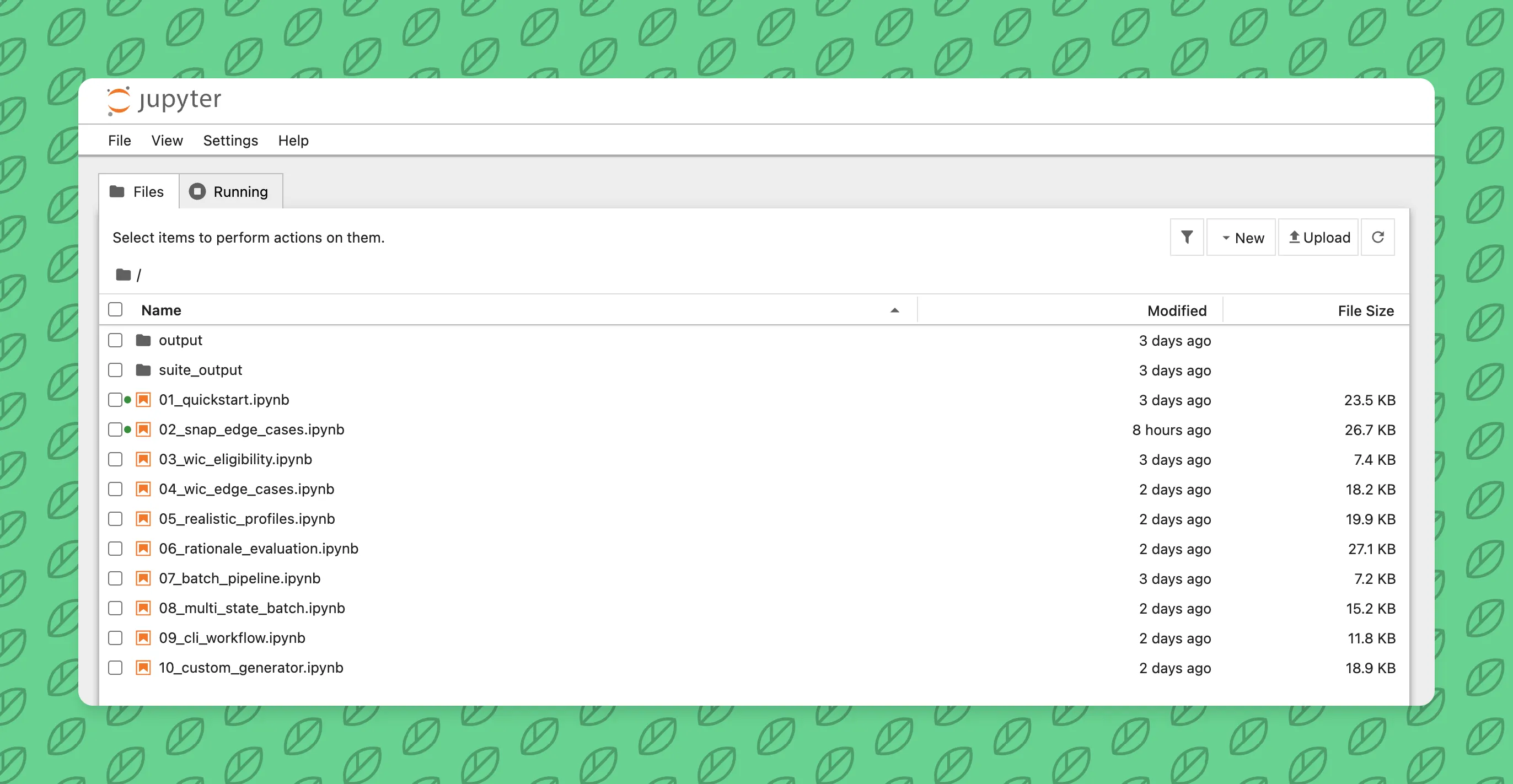
Start with the quickstart. Run a few commands to generate SNAP cases and inspect the rationale traces. Try the notebooks to see how to filter by difficulty, variation tag, or policy type.
If you’re fine-tuning a model on benefits policy or building an eval suite, this is a shortcut past the “generate realistic test data” part. You get to focus on the reasoning quality part.
Open source. MIT license. github.com/ctrimm/synthetic-gov-data-kit
Questions? Feedback? Issues or PRs welcome.
Related Posts
- Training An AI Model To Create Backyard Sports CharactersA brief post on how I fine tuned my first ever text-to-image model on the characters from Backyard Sports9/15/2024
- An AWS Certified AI Practitioner Quick Study GuideA brief post on how I prepared and passed the AWS Certified AI Practitioner exam with less than 20 hours of total study time1/22/2025
- Practical Applications of AI in Personal ProjectsA comprehensive guide on implementing AI features in personal projects, from content enhancement to user experience improvements.2/2/2025