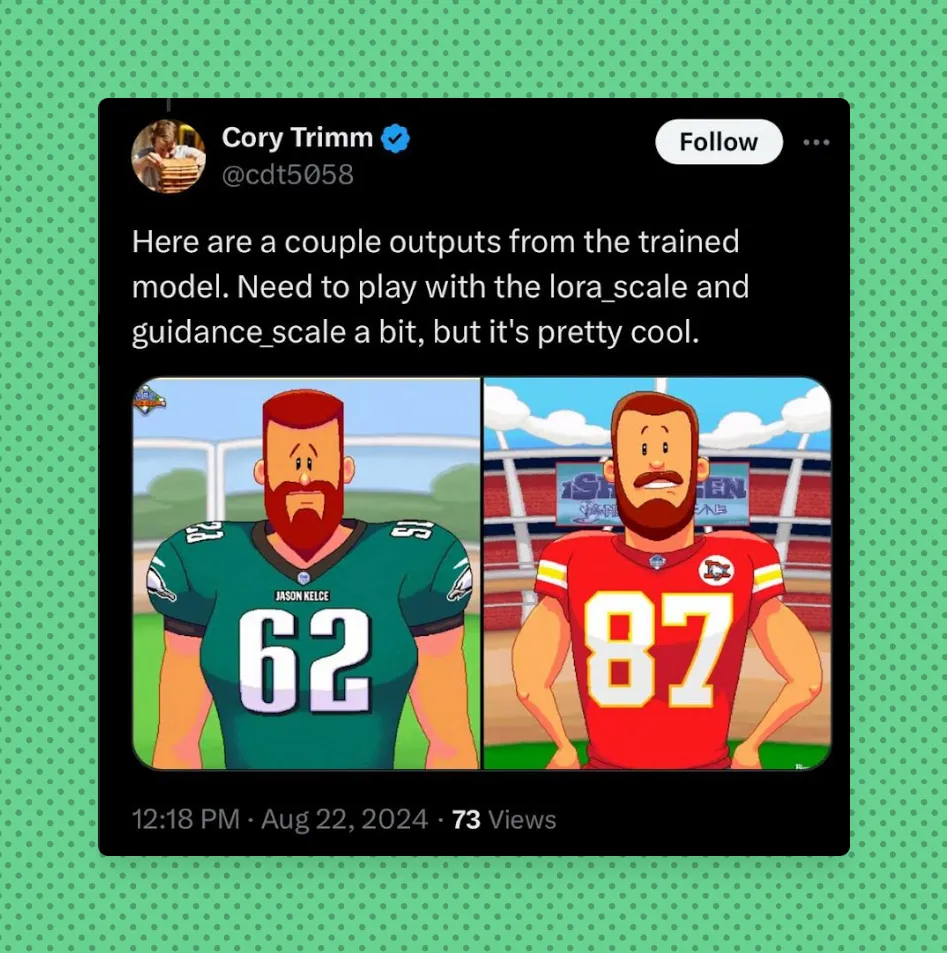
Training An AI Model To Create Backyard Sports Characters
NOTE: This was completed with the sole intention to learn. It will not be commercialized in any form or fashion.
Some Quick History on Backyard Sports
The Backyard Sports games were deeply embedded into my childhood memories - whether it was Pete Wheeler, Pablo Sanchez, Kenny Wheeler, or the rest of the crew, I fondly recall playing Backyard Baseball for hours at a time. It was recently announced that that Backyard Sports series is making a comeback. Unbeknownst to me, the series has been bought and sold quite a few times since Humongous Entertainment folded back in 2005.
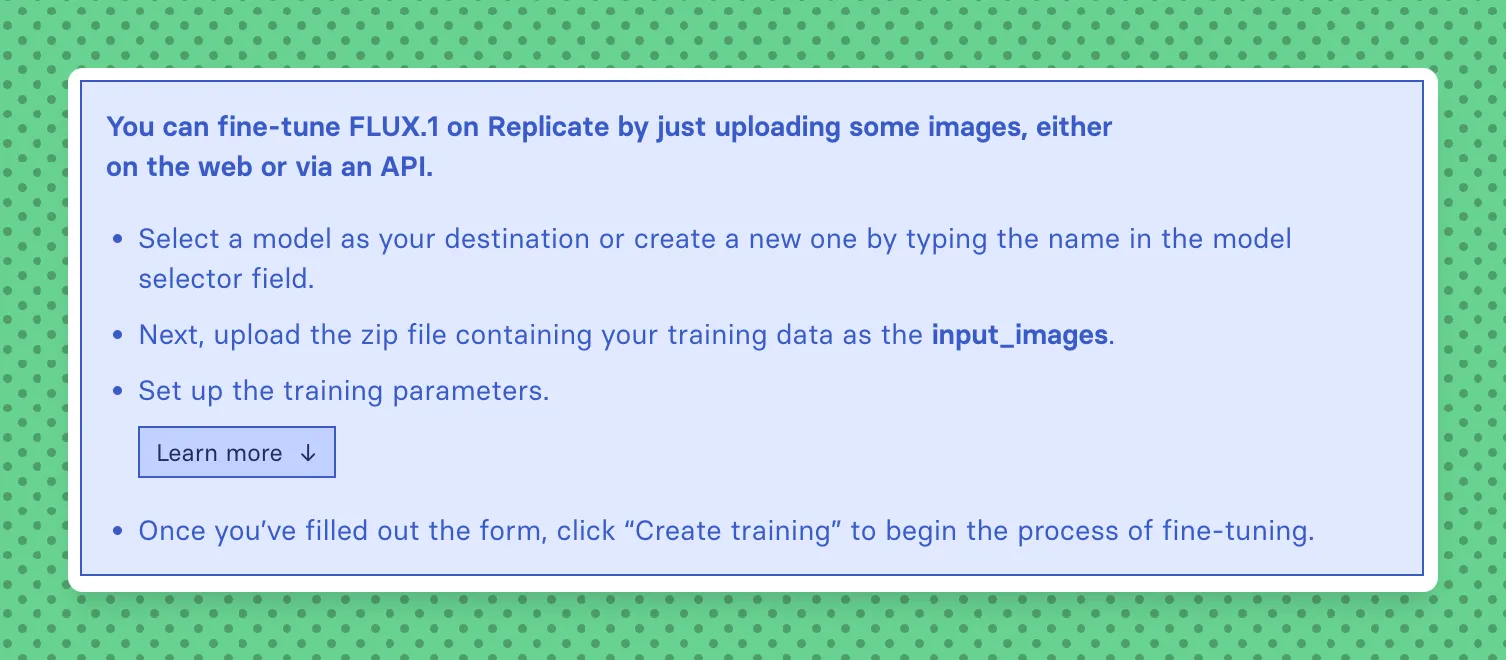
How I Quickly Fine-Tuned My First Ever Text-to-Image Model
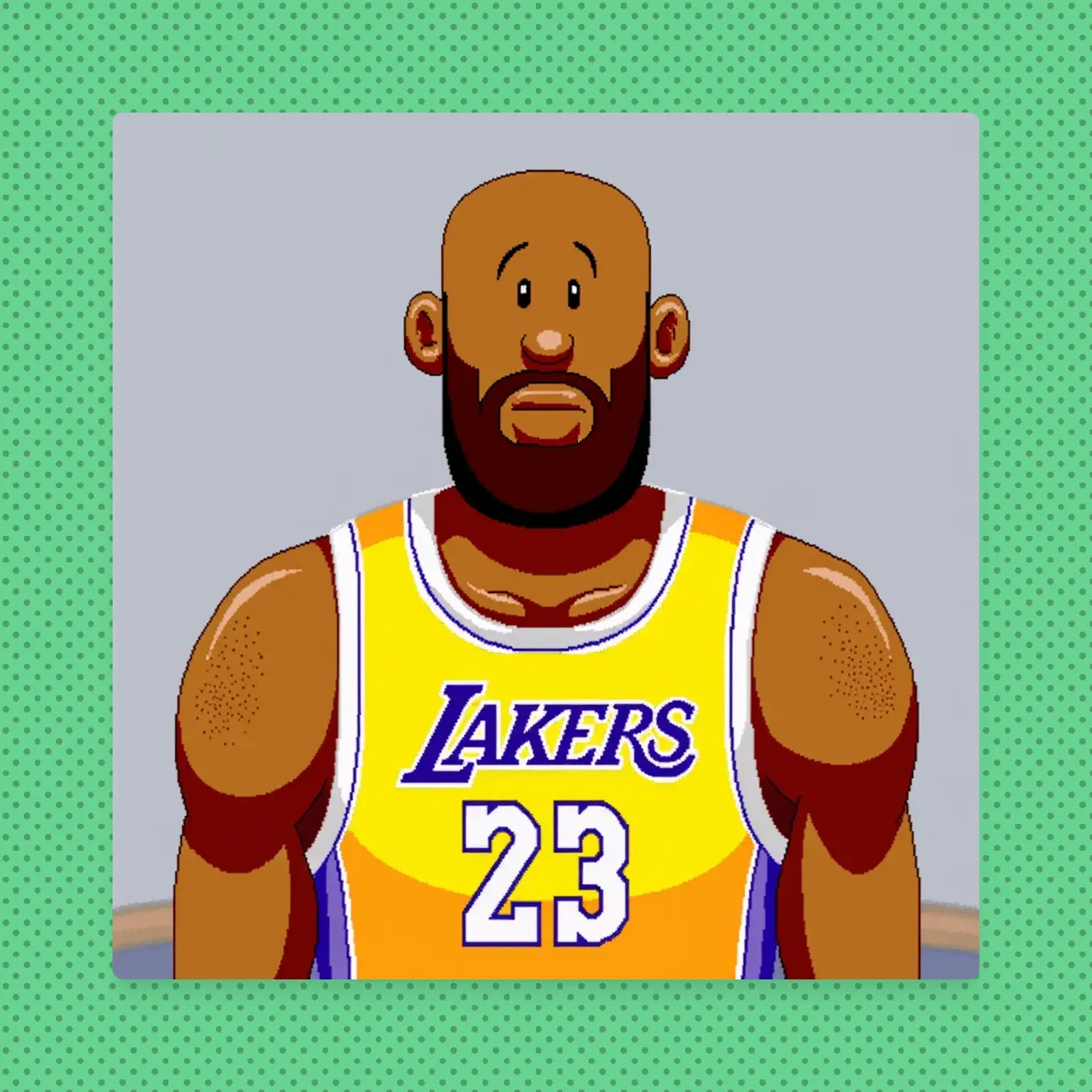
The above screenshot may seem like an oversimplification, but it really is this straight forward. After training your model, you can input a prompt TOK (or whatever you choose) and some other descriptors with a famous person’s name in order to get a cartoon 90’s-esque drawing similar to your favorite Backyard Sports characters.
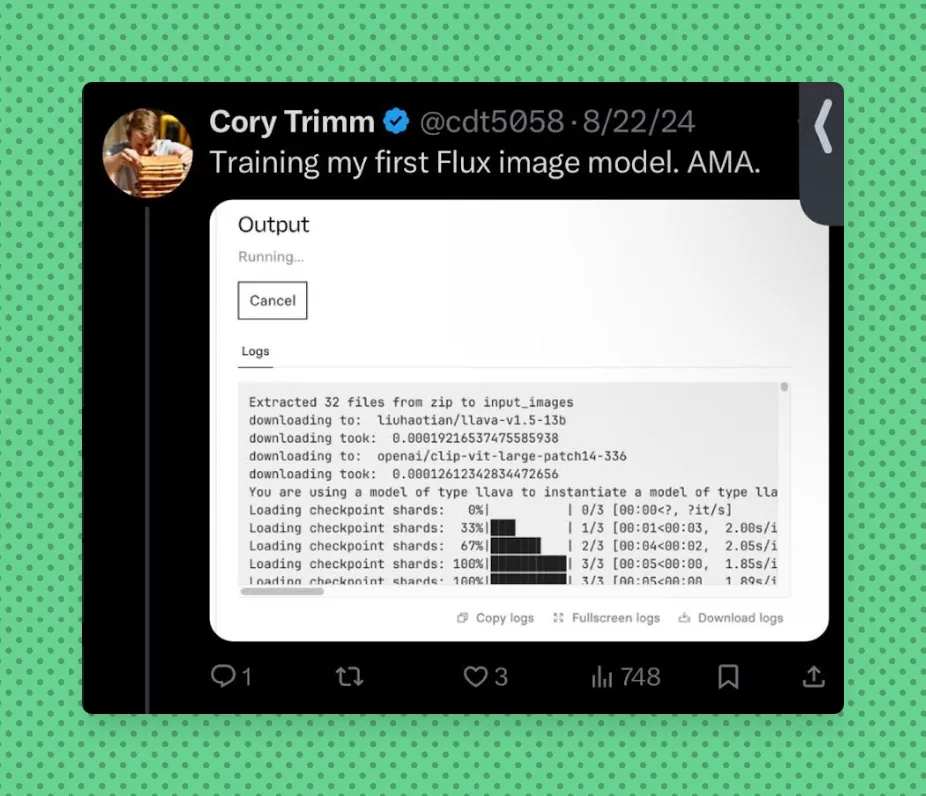
Fortunately, a lot of the heavy lifting for this how-to was written Replicate.com Blog Post on How to Fine-tune FLUX.1 with your own images. Even with entry-level knowledge of Transformers, Weights / Balances, and other Machine Learning terminology, you can read thru their post and fine-tune your own model. Just note that it will take about 20-30 minutes and cost a few dollars to fine-tune. This entire process for me took less than 60 minutes from start to finish. There are quite a few cool examples of what people have fine-tuned Flux on here.
At the time of writing - you can fine-tune the Flux text-to-image model on Replicate’s Web Interface, with their Node API, or their Python API.
One of the optional steps that I wanted to complete was ensuring that the model was also copied over to Hugging Face. Hugging Face is the AI community building the future and it has a platform where the machine learning community collaborates on models, datasets, and applications.
You can sign up for and run this model on Replicate here or copy the model from Hugging Face here.
With Replicate, you’re able to retrain the newly created fine-tuned model if the outputs are not meeting your needs. Replicate will also handle auto-captioning the sample images that you provide. That is what I wound up doing for the Backyard Sports Character Generator that I created.
Note - this model takes about 40 seconds to run on H100 hardware. The cost on NVIDIA H100 Hardware is $0.001528 / second - so, this is about $0.07 per run with 4 image outputs (example outputs located here).
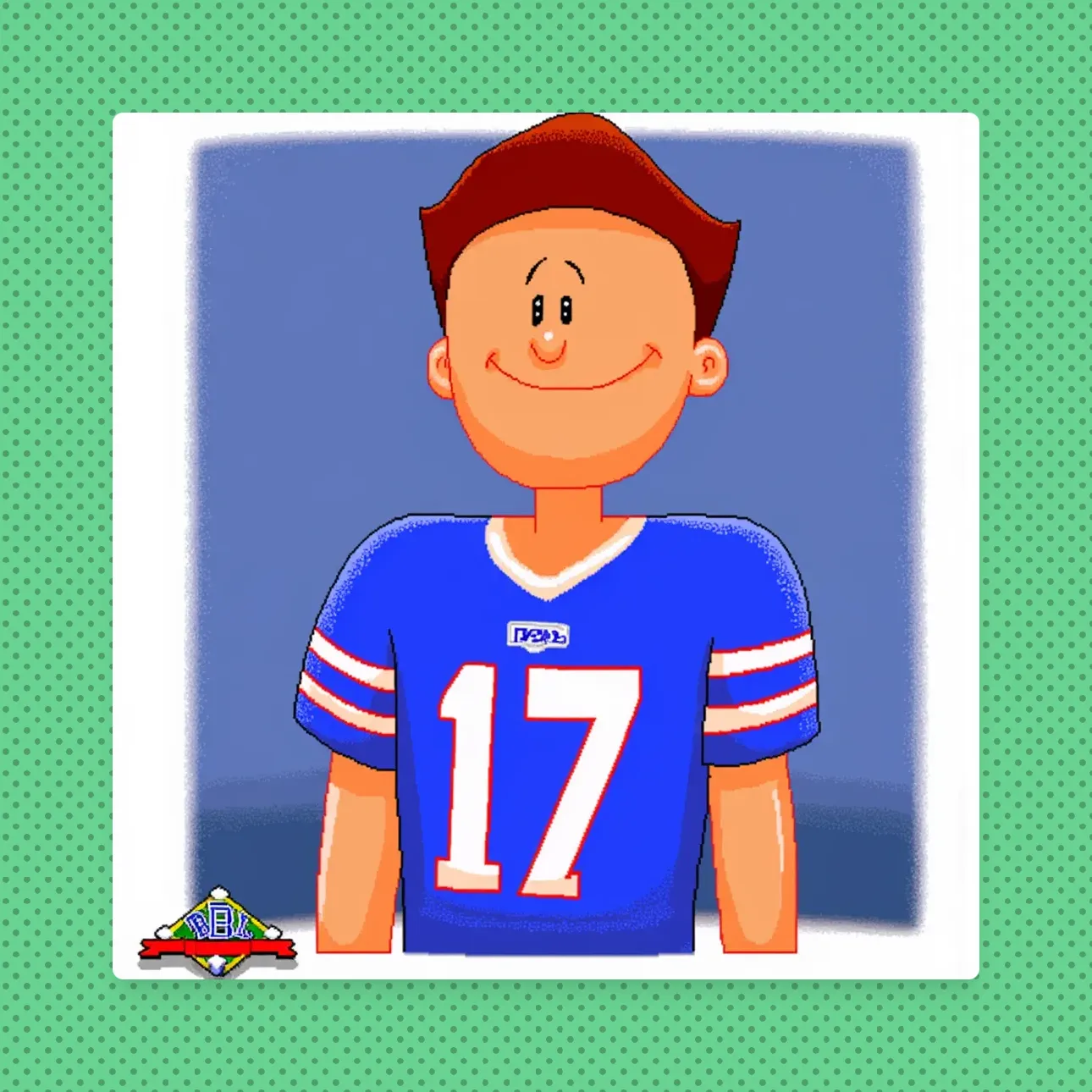
Future Steps
- Create image to image generation - this would allow a user to upload a profile photo of themselves and then apply the fine-tuning model to that image to create a Backyard Sports Image of themselves.
- Create a simple website + API to allow people to make + share their creations (not everyone wants to sign up for a Replicate account)
Further Reading & Resources
- Backyard Sports Character Creator Model on HuggingFace by CDT5058
- Backyard Sports Character Creator Web Interface on Replicate by CDT5058
- Black Forest Labs Flux Model Announcement
- Fine-tune FLUX.1 with your own images
- Backyard Baseball Can Capitalize On the Absence of One Series
- Backyard Sports Wiki If you’ve made it this far on this post and want to work together, please reach out to me.
Related Posts
- Practical Applications of AI in Personal ProjectsA comprehensive guide on implementing AI features in personal projects, from content enhancement to user experience improvements.2/2/2025
- Building a REI resupply used inventory notifierGet notified of 'New' Used Gear. This was a humble attempt to help encourage people to minimize the impact on the Earth.5/8/2024
- How to add Puppeteer to an AWS Lambda functionAWS isn't always straight forward. Here's a brief guide to adding a Lambda Layer with Puppeteer + Chromium to an AWS Lambda function execution environment8/25/2024